



 Upwork
 Fiverr
 People Per
Hour
People Per
Hour
What Is A Content Management System, And Why Do People Need It?
 By Manoj Kandwal
|
19-Mar-2025
By Manoj Kandwal
|
19-Mar-2025
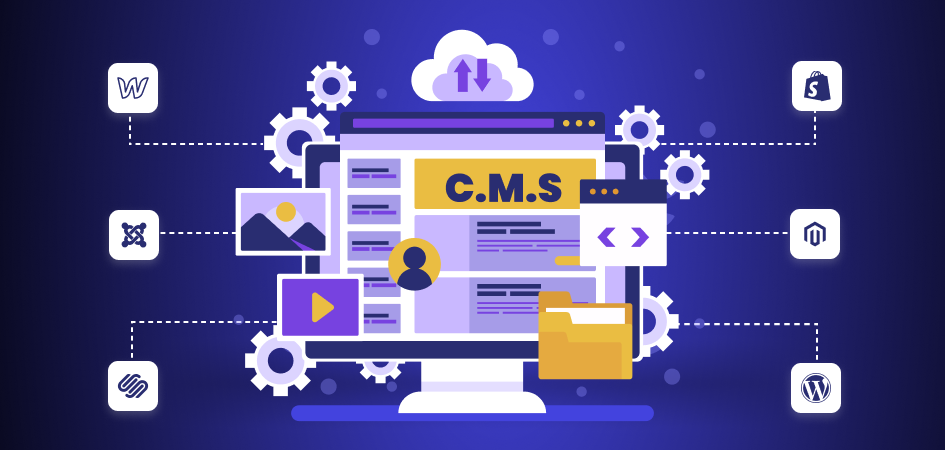
CMS stands for the Content Management System. It defines as software designed to let anyone create, publish, manage and modify digital content on websites of any size flexibly. A CMS will store and organize all your content in one place without requiring you to have a single line of coding experience. Previously, creating a website required you to hire developers or code it yourself, but now, with CMS platforms, you can create and update your website without a tech whiz.
Today, millions use CMS platforms because they have made a website much easier. It is especially popular among businesses, bloggers, and content creators. The ease and simplicity allow you to update it quickly: text, add images, and even launch a new page. Most CMS sites offer templates and tools that allow you to create a site very fast.
Advantages of a CMS
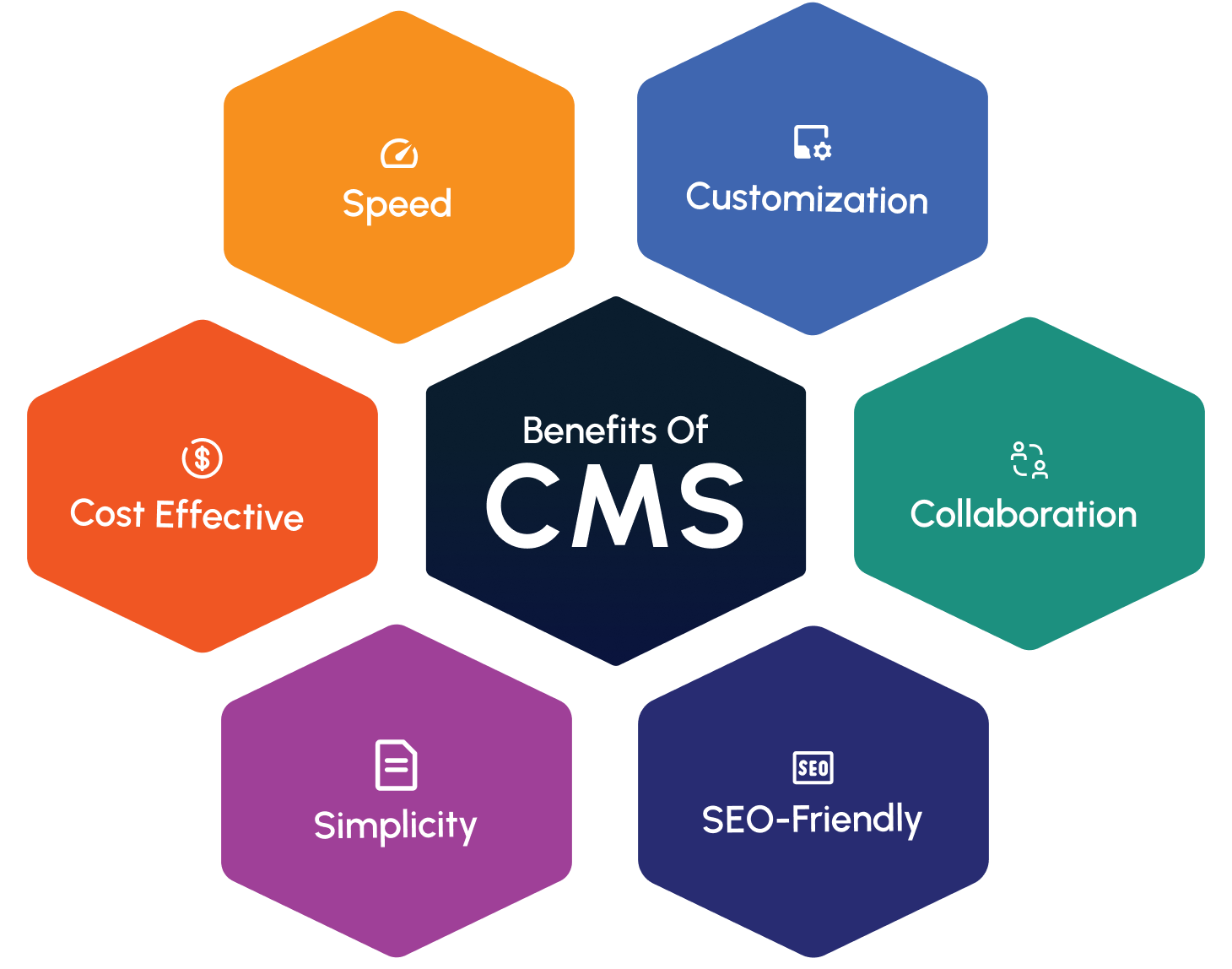
There are many significant advantages to having a CMS. Let’s take it step by step about why a CMS may be right for you:
- Simplicity: A CMS makes management of a website easier and far more manageable for any non-technical individual to develop, update, and maintain their website. The drag-and-drop features along with the simple tools available for use on most of the CMS platforms make developing an easy affair.
- Cost-Effective: Creating a website from scratch costs a lot. With a CMS, you do not have to pay a developer to make every minor change. Most CMS platforms are free, and the paid plans are mostly affordable.
- Speed: Adding content to your website is fast and easy with CMS platforms. Want to update a product listing, post a blog, or add a new page? All it takes are a few clicks.
- Customization: Many CMS platforms have plenty of customizable themes and plugins. You can personalize your website and create specific functionality without necessarily hiring a developer.
- Collaboration: With a CMS platform, multiple users can access and update the website. If you have a team of writers,designers , or marketers, collaboration on the same platform is a breeze.
- SEO-Friendly: Getting noticed on Google requires a healthy dose of SEO or search engine optimization. Most CMS platforms have built-in SEO tools to enhance your website’s ranking in the search engine.
What Websites Can I Create with a CMS?
A CMS is highly multipurpose, helping individuals to create virtually any type of website. Whether running a small personal blog or managing a large e-commerce store, there’s a CMS platform that suits an individual’s needs:
- Blogs: Blogging is one of the most popular uses of a CMS. With WordPress and Ghost, it is easy to create posts, manage comments, and customize your blog’s look.
- E-commerce Sites: If you ever plan to build an eCommerce site, CMS can assist you with listing products, dealing with payments, and even with inventory management in sites such as Shopify, Magento, or WooCommerce.
- Business Websites: You can create websites for businesses using a CMS. If it is about your services or the information about your company, CMS sites offer the right tools to create a professional website.
- Portfolios: If you’re a creative professional like a photographer, designer, or writer, a CMS allows you to create an online portfolio where you can show off your work. Platforms such as Squarespace and WordPress allow you to make portfolio websites based on their templates.
- Educational Websites: Platforms such asWordPress, Joomla, and Moodle can use these CMS platforms to create online learning platforms. You can publish courses, tutorials, and other educational content to help students learn.
- News Websites and Magazines: CMS platforms are also well-suited for news websites and magazines. These web solutions enable easy management of a large volume of content and the easy publishing of articles and stories.
Let’s dive into the 10 Best CMS Platforms for 2025.
-
WordPress
Rating: 9.5/10
About WordPress:
WordPress is the world’s leading CMS, supporting more than 40% of all websites. It is free and open source, so any person can use it. WordPress is perfect for bloggers, business websites, and e-commerce.Best Features:
- Thousands of themes and plugins are available to customize the site easily.
- Very user-friendly even for beginners.
- Strong SEO tools to boost search rankings.
- Large and active community support.
What It Is Missing:
- Requires frequent plugin and theme updates.
- Can be slow if not properly optimized.
- Advanced customization needs coding knowledge.
Price Range:
- Core software is free.
- Hosting: $5–$50/month.
- Premium themes/plugins: $20–$200.
-
Joomla
Rating: 8.5/10

About Joomla:
Joomla is a flexible open-source CMS suitable for complex websites and online applications. It has a steeper learning curve but offers strong developer control.Best Features:
- Advanced content management tools.
- Excellent multilingual support.
- Strong community backing.
- Robust user management.
What It’s Missing:
- Not beginner-friendly.
- Fewer extensions than WordPress.
- Complex configuration.
Price Range:
- Free.
- Hosting: $5–$50/month.
-
Wix
Rating: 8/10
About Wix:
Wix is a cloud-based drag-and-drop website builder designed for fast and easy website creation without technical skills.Best Features:
- User-friendly drag-and-drop editor.
- Hundreds of templates.
- Affordable pricing.
- Built-in SEO tools.
What It’s Missing:
- Limited flexibility.
- Fewer third-party integrations.
- Not ideal for large websites.
Price Range:
- Free with limitations.
- Paid plans start at $14/month.
-
Shopify
Rating: 9/10
About Shopify:
Shopify is a leading CMS for e-commerce websites that enables easy store creation, inventory management, and payment processing.Best Features:
- Extremely beginner-friendly.
- Powerful e-commerce tools.
- Wide selection of themes.
- Reliable customer support.
What It’s Missing:
- Limited design flexibility.
- Extra transaction fees.
- Higher monthly costs.
Price Range:
- Starts at $29/month.
-
Squarespace
Rating: 8/10

About Squarespace:
Squarespace is known for its elegant templates and is ideal for creatives seeking visually stunning websites.Best Features:
- High-quality design templates.
- Integrated e-commerce.
- 24/7 support.
- Easy drag-and-drop interface.
What It Lacks:
- Limited customization.
- Restricted third-party integrations.
- Expensive for large sites.
Price Range:
- $16/month.
-
Drupal
Rating: 8.5/10

About Drupal:
Drupal is a powerful and scalable open-source CMS commonly used by enterprises and government organizations.Best Features:
- Excellent for large, complex websites.
- Advanced user management.
- Highly customizable.
- Strong security.
What It Lacks:
- Steep learning curve.
- Limited design options.
- Requires technical expertise.
Price Range:
- Free.
- Hosting: $5–$50/month.
-
Weebly
Rating: 7.5/10
About Weebly:
Weebly is a beginner-friendly website builder suitable for small businesses and personal websites.Best Features:
- Drag-and-drop editor.
- Affordable pricing.
- Built-in e-commerce.
- Good customer support.
What It’s Missing:
- Limited design flexibility.
- Fewer integrations.
Price Range:
- Free plan available.
- Paid plans start at $6/month.
-
Webflow
Rating: 8.5/10
About Webflow:
Webflow offers complete design control and is ideal for designers who want custom layouts without heavy coding.Best Features:
- Full design control.
- Responsive layouts.
- CMS and hosting included.
What It Lacks:
- Steep learning curve.
- Higher cost for large projects.
Price Range:
- Free version available.
- Plans start at $12/month.
-
Magento
Rating: 7/10
About Magento:
Magento is a powerful e-commerce CMS designed for large-scale online stores requiring advanced customization.Best Features:
- Highly scalable.
- Strong SEO capabilities.
- Large developer community.
What It’s Missing:
- Requires technical expertise.
- High enterprise cost.
- Performance optimization needed.
Price Range:
- Free open-source version.
- Enterprise: $22,000/year.
-
Ghost
Rating: 8/10
About Ghost:
Ghost is a minimalist CMS focused on blogging and publishing with a clean and fast writing experience.Best Features:
- Ideal for writers and bloggers.
- Fast and distraction-free UI.
- Built-in monetization.
What It’s Missing:
- Limited themes.
- No native e-commerce.
- Advanced features require technical skills.
Price Range:
- Starts at $9/month.
I bring a wealth of knowledge and experience to WillShall Consulting with two decades of expertise in Website Design, Development, and Digital Marketing, My journey has been marked by a passion for creating innovative web solutions that not only meet but exceed client expectations. As an avid analyst, I dedicate myself to understanding each customer’s unique needs, ensuring that our web solutions are not just functional but exceptional.

Looking to boost your online presence and reach more customers in your local area?
Explore Local SEO ServiceKnow your website’s SEO Score.
Get a customize SEO Audit report & improve your website statistics.

 Call Us
 +91 97797
76116 (Sales)
+91 97797
76116 (Sales) Email Us
 Video Call

 Our Locations
